
Instructional Design Portfolio
Adobe Captivate:
Performance-Based Software
Simulation Training
This capstone project for my Master’s in Instructional Design focused on closing a common gap in software training: Learners recognized procedures but struggled to perform them independently.
The solution was a performance-driven eLearning course integrating video instruction with assessed, hands-on simulations built in Adobe Captivate.
Rather than testing recall, the course requires learners to demonstrate task mastery in a realistic, low-risk practice environment.
Introduction to Studio One
Performance-Based Software Simulation Training
Adobe Captivate | Video Instruction | Assessed Simulations
1. The Design Challenge
Traditional software training often
relies on demonstration videos or static documentation. While informative, these formats do not ensure transfer to
real-world application.
The core design question guiding this project was:
How can asynchronous eLearning require authentic task performance rather than passive consumption?
2. Instructional Strategy
The course follows a progressive performance model:
Demonstration: Targeted video tutorials introduce core workflows.
Guided Practice: Interactive simulations provide scaffolded support.
Independent Performance: Simulations require learners to complete tasks.
Immediate Feedback: Corrective feedback reinforces procedural accuracy.
Each learning objective is directly aligned to an assessed simulation.
3. Development Process
Design followed the ADDIE process
and was informed by Merrill’s
First Principles of Instruction (FPI).
Needs Analysis: Defined desired performance outcomes, identified skill gaps.
FPI: Ensured design is a task-oriented, guided, performance-based learning experience.
Task Analysis: Visualized instructional flow and simulation sequences
Produced segmented video tutorials
Developed interactive simulations in Adobe Captivate
Aligned assessments to measurable task completion criteria
4. Assessment Approach
Assessment is fully performance-based.
Learners must:
- Execute defined software procedures
- Follow correct workflow sequencing
- Meet accuracy criteria within the simulation environment
Successful completion reflects demonstrated competency, not recognition.
5. Tools & Technology
Adobe Captivate: Software Simulation, Assessment, SCORM Compliance
Screenflow: Screen Video Recording
Studio One: Voiceover Recording
DaVinci Resolve: Video Editing,
Post Production
ChatGPT: Assistance with project task
organization and workflow
6. Design Documents
Instructional Design Portfolio Projects
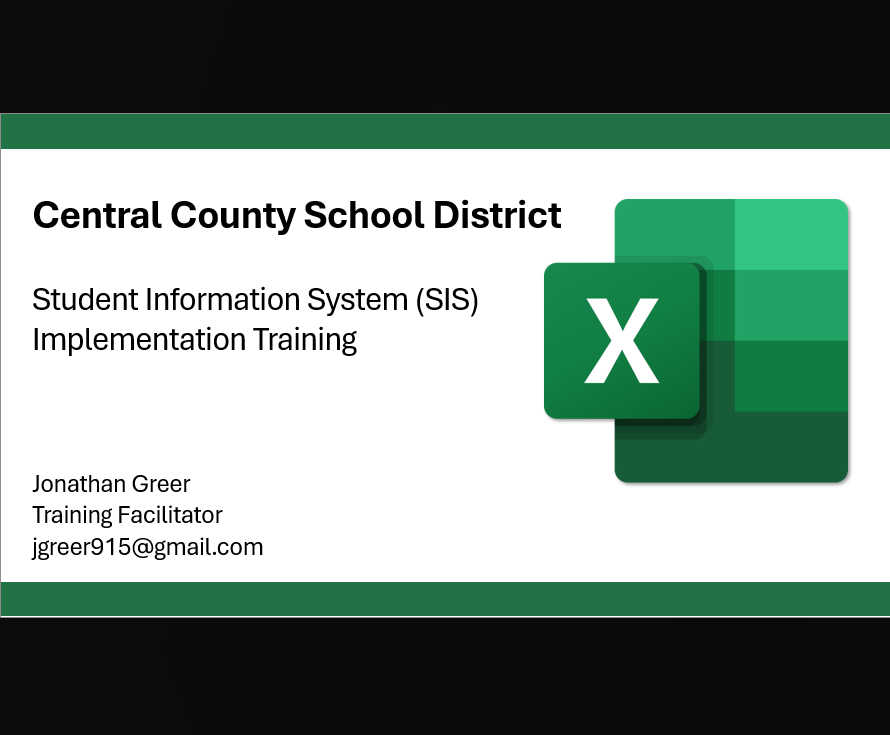
Live Training Project
A recorded Zoom training project focusing on Excel data entry and maintenance skills and Personally Identifiable Information (PII).

Video Tutorial
This project demonstrates the use of screen recording software to create a video tutorial on how to remove noise from audio recordings.